
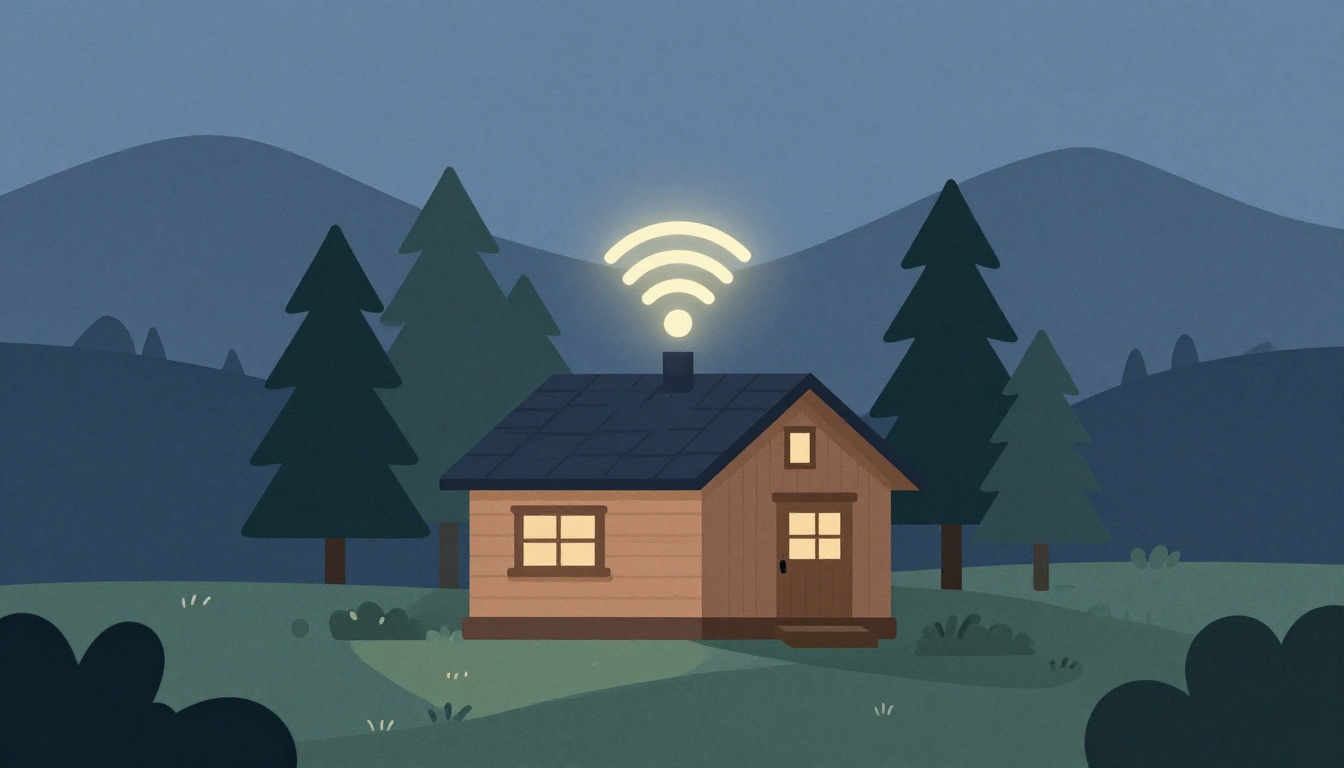
You've found the perfect mountain cabin—great views, cozy fireplace, and enough room for the whole group. But when you ask about the WiFi, the owner says, "It's satellite, should be fine." That vague answer is a red flag. In remote mountain areas, internet can be unreliable, slow, or completely absent, and that can derail your remote work, streaming plans, or even emergency communication. Here's how to choose a mountain retreat with WiFi you can actually count on.
What is a common challenge for WiFi in mountain cabins?
Select one answer.
Why mountain WiFi is different
Mountain cabins face unique connectivity challenges that you won't encounter in a typical suburban home. The terrain itself—mountains, valleys, and dense trees—can block signals from cellular towers and satellite dishes, creating dead zones that make a stable connection difficult source: ispmint.com. Additionally, many remote properties lack the infrastructure for wired broadband, forcing owners to rely on wireless options like satellite or cellular hotspots source: mtasolutions.com.
Even when a cabin has WiFi, the quality can vary dramatically. A router placed in a corner, thick log walls, or a long distance from the main living area can all result in weak signals and frustrating dead spots source: netgear.com.
Questions to ask before you book
Before you commit to a mountain retreat, ask the owner or property manager these specific questions:
- What type of internet connection is it? Satellite, cellular, DSL, or fiber? Each has different reliability and speed characteristics.
- What are the actual download and upload speeds? Ask for a recent speed test result, not just "high-speed." For video conferencing, you'll want at least 10 Mbps download and 3 Mbps upload.
- Is there a data cap? Satellite and cellular plans often have data limits. Streaming HD video can consume 3 GB per hour, so a 50 GB cap can vanish quickly with a group.
- How many devices can connect simultaneously? A cabin with a single router may struggle when 10 people are all trying to stream or work at once.
- Where is the router located? If it's in a basement or a far corner, the signal may not reach the main living areas or bedrooms.
- Is there a backup connection? If the primary internet fails, is there a cellular hotspot or booster available? This is crucial for emergencies.
- What are the instructions for using the WiFi? Ask for detailed login and troubleshooting steps, so you're not left in the dark if something goes wrong source: volunteercabinrentals.com.
Red flags to watch for
- "We encourage you to unplug" – This often means the WiFi is unreliable or non-existent. While a digital detox can be nice, you should have the choice.
- "Satellite internet" – Satellite can work, but it's prone to latency and weather-related outages. Ask about the specific provider and plan.
- "There's a router in the cabin" – This is a good sign, but ask about the connection type and speed. A router alone doesn't guarantee good internet.
- No mention of WiFi in the listing – If it's not advertised, it's probably not a selling point. Ask directly.
What to do if you need reliable WiFi for work
If you're planning to work remotely from a mountain retreat, you need more than just a casual connection. Here's a checklist to ensure you can stay productive:
- Confirm the connection type: Fiber or cable is ideal. Cellular 5G can be great if the signal is strong. Satellite is a last resort for work due to latency.
- Ask for a speed test: Request a screenshot of a recent speed test from the property. Look for at least 25 Mbps download and 5 Mbps upload for smooth video calls.
- Check for a mesh WiFi system: A mesh system with multiple access points provides better coverage in large or multi-story cabins than a single router source: netgear.com.
- Plan for backup: Bring your own cellular hotspot as a backup. If the cabin's internet fails, you can still get online using your phone's data plan source: ruralinternetguide.com.
- Secure your connection: If you're using a public or shared WiFi network, use a VPN to protect your data source: mtasolutions.com.
The bottom line
Reliable WiFi in a mountain retreat is not a given—it's a feature you need to verify. By asking the right questions and understanding the limitations of mountain internet, you can choose a property that keeps you connected without sacrificing the serenity of your getaway.
How the Featured Expert Can Help
If you're looking for a mountain retreat that understands the importance of reliable WiFi, consider 5 Star Lodge, a private Adirondack retreat in North Creek, NY. It offers 4 bedrooms, a master suite with Jacuzzi, and panoramic mountain views, catering to families and groups with year-round outdoor adventures like skiing, rafting, and hiking. For a stay that combines comfort and connectivity, visit their website to learn more.